
BallrBet Registration in Australia
A BallrBet account takes under two minutes to set up. Once your profile is open, you get instant access to pokies, table games, and sports betting markets across the AFL, NRL, and EPL. Registration costs nothing.
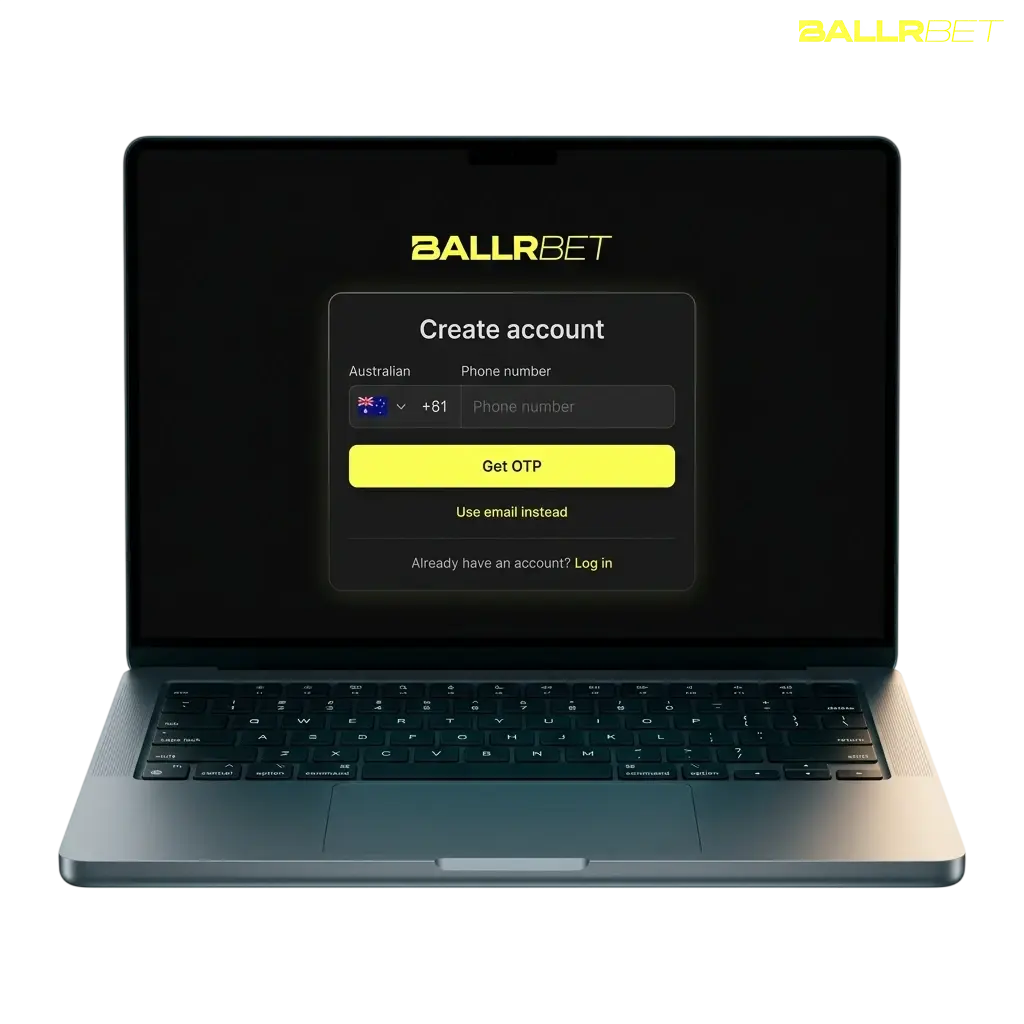
Registration Methods at BallrBet
You can register online at BallrBet through more than one method. Choose the option that suits your device and preference.
- Email Registration. Provide your email address, create a password, and confirm your date of birth. A verification link arrives in your inbox within minutes.
- Mobile Number Registration. Enter your Australian mobile number and receive an SMS code. Enter the code to confirm your account.
- Quick Registration. Use the quick registration option to open your account with one field, a mobile number or email address. Complete your remaining profile details after your first login.
BallrBet sign up takes a few steps, with email or mobile number as your starting point. Each step is completed directly on the registration screen, so you’re ready to deposit within minutes.
Click Sign Up
Click the “Sign up” button below to open the registration form.
Enter Details
Enter your email address or Australian mobile number and create a password.
Confirm Age
Confirm you are 18 years or older and accept the Terms and Conditions.
Verify Account
Verify your account through the emailed link or the SMS code sent to your phone.
Make Deposit
Make your first deposit and claim your welcome offer.
BallrBet Mobile Registration
BallrBet app does not require a download from Google Play or the App Store. You can add the mobile site to your home screen for quick access on Android and iOS.
- Open the mobile site in Chrome or Safari.
- Tap the browser menu and select “Add to Home Screen”.
- Launch the home screen icon and tap “Sign up”.
- Enter your email or mobile number and create your password.
- Verify your account via the link or code sent to you.
What You Need to Register at BallrBet
BallrBet account creation requires a few personal details and confirmation of your eligibility under Australian gambling rules. These requirements protect your account and support fair access to sports betting markets. Keep your information accurate, since it gets checked during verification.
- You must be 18 years or older to register, consistent with Australian gambling regulations;
- You must reside in a state or territory where new accounts are accepted;
- You must provide a valid email address and an Australian mobile number;
- You must supply accurate personal details, including full name, date of birth, and residential address;
- You may hold one active account per person, household, and IP address.
BallrBet Account Verification
BallrBet account verification confirms your identity and age before you withdraw funds. It supports compliance with Australian rules against money laundering and keeps your account secure. Quick completion of each step speeds up access to withdrawals and higher deposit limits.
- Identity Document: Upload a clear photo of your driver licence, passport, or proof of age card.
- Proof of Address: Submit a utility bill or bank statement dated within the last 3 months.
- Payment Method Confirmation: Confirm the card or digital wallet used for your first deposit.
- Selfie Check: Take a selfie matching your ID photo, if requested by the verification team.
- Document Review: Our team reviews your submission, usually within 24 hours.
- Verification Confirmation: Receive an email confirming your account status and withdrawal access.
How to Login to BallrBet
BallrBet login takes a few seconds once your account is verified. Use the same details you created during registration.
Click the Login Button
Click the “Login” button at the top of the website.
Enter Your Details
Enter your registered email address or mobile number.
Sign In
Enter your password and tap “Sign In”.
BallrBet Account Password Reset
A forgotten BallrBet password gets reset in a few minutes through your registered email or mobile number. Follow the steps below to regain access to your account.
- Click “Forgot Password” on the login screen.
- Enter the email address or mobile number linked to your account.
- Open the reset link sent to your email, or enter the code sent via SMS.
- Create a new password with at least 8 characters, including a number and a letter.
- Log in with your new password.
BallrBet Registration Problems and Solutions
Most BallrBet registration issues get resolved in a few minutes. Check the table below, or contact support directly for further help.
| Problem | Solution |
|---|---|
| Verification email not received | Check your spam folder and confirm your email address is correct; request a new link from account settings. |
| SMS code not arriving | Confirm your mobile number includes the +61 country code; request a new code after 60 seconds. |
| Document upload rejected | Submit a clear photo of your ID with good lighting, showing all four corners, in JPG or PNG format. |
| Duplicate account error | Contact support directly, since only one account is allowed per player and household. |
| Login locked after failed attempts | Wait 15 minutes, or reset your password via the “Forgot Password” link. |
FAQ
How long does BallrBet account verification take?
Most submissions get reviewed within 24 hours. Document checks during busy periods may take up to 48 hours.
Can I register more than one account?
No. BallrBet allows one account per player, address, and household.
What payment methods can I use after registration?
PayID, Visa, Mastercard, and Neosurf are accepted for Australian players, alongside selected cryptocurrencies.
Is my personal information secure during sign up?
Yes. SSL encryption and secure verification partners protect your data throughout registration.
Can I update my details after registration?
Yes. You can update contact details and address in Account Settings. Name and date of birth changes require support verification.
Updated: